Learn how to block unauthorized SIM on CNIC with number in 2026. Check SIMs linked to your CNIC and follow official PTA methods to report unauthorized connections.
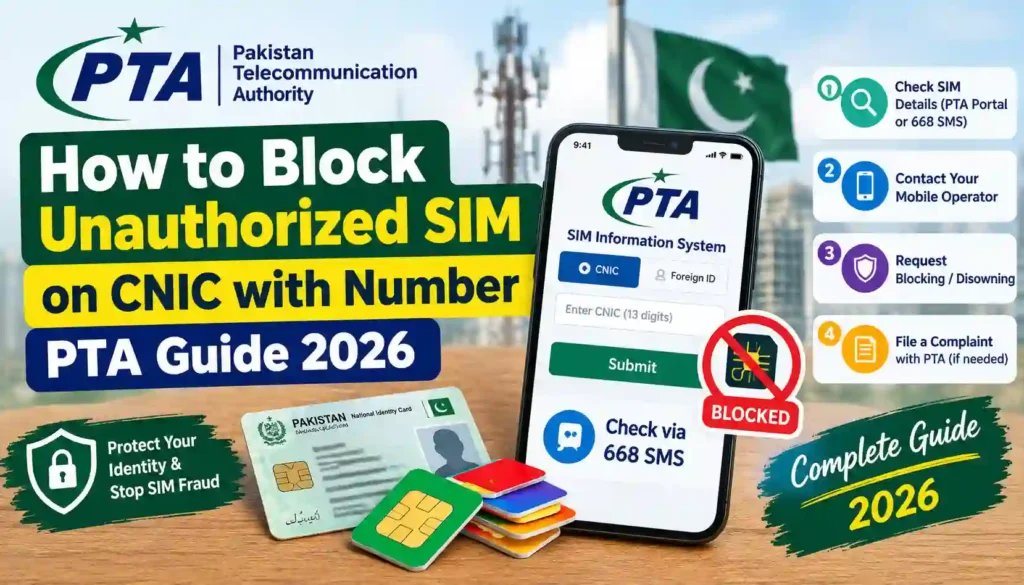
Finding an unknown SIM registered against your CNIC can be worrying. You may not remember getting the SIM, or it may have been issued without your knowledge. In either situation, it is important to act quickly and use official PTA-approved procedures instead of relying on unofficial SIM databases or private lookup websites.
If you are searching for how to block unauthorized sim on cnic with number, this guide explains the process in simple steps. You will learn how to check SIMs registered in your name, what to do when you find an unfamiliar number, which documents may be required, and where to submit a complaint.
PTA’s National Telecom CERT guidance advises citizens to periodically check the number of SIMs issued in their name by sending their CNIC number to 668 and to block illegally issued SIMs.
Important: SIM ownership information is private. This guide is for checking and managing SIMs registered against your own CNIC. It does not provide a method for obtaining another person’s private CNIC or subscriber information.
Basic Information
| Detail | Information |
|---|---|
| Topic | Unauthorized SIM Blocking |
| Year | 2026 |
| Main Authority | Pakistan Telecommunication Authority (PTA) |
| Verification Method | CNIC-based SIM verification |
| SMS Verification Code | 668 |
| Purpose | Identify SIMs registered in your own name |
| Complaint Option | PTA Complaint Management System |
| Required Identity | Original CNIC may be required |
| Best Approach | Use official telecom and PTA channels |
Why Should You Check SIMs Registered on Your CNIC?
Your CNIC is used for identity verification when a SIM is registered. An unauthorized connection linked to your identity should not simply be ignored.
PTA guidance states that SIMs should be issued only after proper subscriber verification and recommends that users periodically check the SIMs issued in their name.
Regular checking can help you:
- Identify an unfamiliar SIM.
- Report an incorrectly registered connection.
- Request blocking or disconnection through the relevant operator.
- Keep your telecom records organized.
- Reduce the risk of your identity being misused.
- Avoid sharing personal information with unofficial websites.
How to Check Unauthorized SIMs on Your CNIC
Before you can block an unauthorized SIM, you first need to determine whether an unfamiliar connection is registered against your identity.
Step 1: Check SIMs Registered in Your Name
PTA’s published cybersecurity guidance recommends sending your CNIC number to 668 to check the number of SIMs issued in your name.
This is an important first step if you suspect that someone may have obtained a SIM using your identity.
Make sure you use your own CNIC information and follow the instructions provided through official channels.
Step 2: Identify the Unrecognized Number
After checking your registered SIM information, note any connection that you do not recognize.
Do not attempt to obtain private information about the person using the number. Instead, focus on resolving the registration issue through the relevant mobile operator.
If you recognize the network associated with the number, contact that operator through its official customer service channel.
Step 3: Contact the Relevant Mobile Operator
Once you identify an unauthorized SIM, ask the mobile operator to investigate the registration.
You may be asked to provide identity information or visit an authorized service center for verification.
Explain clearly that the SIM is not authorized by you and that you want the registration issue investigated and the connection blocked or corrected according to the applicable procedure.
Step 4: Visit an Authorized Franchise if Required
Some SIM-related matters require identity or biometric verification.
If customer support tells you to visit a franchise or service center, take your original CNIC with you. Avoid giving your original documents or biometric information to unauthorized individuals.
PTA’s cybersecurity awareness material also advises people to be careful when providing fingerprints for new SIM services.
Step 5: File a PTA Complaint if the Issue Is Not Resolved
If you cannot resolve the problem through the relevant telecom operator, you can use PTA’s Complaint Management System (CMS).
PTA’s CMS allows telecom consumers to register and track complaints relating to telecommunications services. Its official manual explains that users create a profile and provide identity and contact information before submitting complaints.
Required Documents
The documents you need can vary depending on the operator and the nature of the complaint. Generally, keep the following information available:
- Original CNIC
- Mobile number, if known
- Details of the unauthorized SIM
- Your active contact number
- Relevant complaint or transaction information
- Any supporting evidence requested by the operator or PTA
Never send your CNIC copy, OTP, fingerprint information, or other sensitive details to an unknown person claiming to offer SIM verification.
Benefits of Blocking an Unauthorized SIM
Taking action when you find an unfamiliar SIM can provide several general benefits.
Protects Your Identity
Removing an unauthorized connection from your records helps you maintain better control over telecom services associated with your identity.
Keeps Your Records Accurate
Checking and correcting SIM registrations helps ensure that your telecom records more accurately reflect the connections you actually use.
Provides an Official Resolution
Using your mobile operator and PTA complaint channels creates a proper route for resolving registration disputes.
Reduces Dependence on Unofficial Services
Official channels are preferable to websites or apps that claim to provide private SIM owner information.
What If You Know the SIM Number?
If you already have the mobile number and believe it is registered against your CNIC without your permission, do not try to find the person’s private name, address, or CNIC through an unofficial database.
Instead:
- Confirm your own CNIC-linked SIM information.
- Identify the relevant mobile network.
- Contact the operator.
- Request investigation and blocking/correction.
- Escalate the issue to PTA if necessary.
This is the safer and more appropriate approach to how to block unauthorized sim on cnic with number.
PTA Safety Tips for SIM Users
Follow these simple precautions to protect your SIM registration:
- Buy SIMs only through authorized channels.
- Never allow an unknown person to use your biometric information.
- Do not share OTPs with anyone.
- Check SIMs registered in your name periodically.
- Keep your CNIC information private.
- Avoid unofficial “SIM database” websites.
- Report suspicious registration activity through proper channels.
- Use official telecom websites and customer service facilities.
PTA guidance specifically recommends purchasing SIMs from cellular franchises rather than informal kiosks and periodically checking SIMs registered in your name.
Contact Details
| Contact | Purpose |
|---|---|
| PTA Complaint Management System | Register and track telecom complaints |
| PTA Official Website | Regulatory and telecom information |
| PTA NTCERT | Telecom cybersecurity awareness |
| Your Mobile Operator | SIM blocking, registration and account issues |
| Authorized Franchise | Identity and biometric-related SIM services |
For complaints, you can use the official PTA Complaint Management System rather than relying on an unofficial complaint service.
Internal and External Links
For more guides about SIM verification, CNIC registration, and telecom-related information, visit Sim Ownerss.
Official PTA Website: Pakistan Telecommunication Authority (PTA)
Official PTA Complaint Management System: PTA Complaint Management System
PTA NTCERT: PTA National Telecom CERT
Frequently Asked Questions
How can I check unauthorized SIMs on my CNIC?
PTA guidance recommends sending your CNIC number to 668 to check the number of SIMs issued in your name. If you find an unfamiliar connection, contact the relevant operator for further action.
Can I block an unauthorized SIM using only the mobile number?
The mobile number helps identify the connection, but blocking or correcting its registration normally requires the appropriate telecom verification process. Contact the network operator and provide the required identity information.
What should I do if a SIM is registered on my CNIC but I never purchased it?
Contact the relevant mobile operator and report the unauthorized registration. If the issue is not resolved, you can escalate the complaint through PTA’s official Complaint Management System.
Can I check the owner’s CNIC through a SIM number?
No. A mobile number should not be used as a way to obtain another person’s confidential CNIC information. Use official channels for legitimate registration or complaint matters.
Is sending CNIC information to 668 an official method?
PTA’s published cybersecurity guidance specifically recommends sending your CNIC number to 668 to check the number of SIMs issued in your name.
What documents are needed to block an unauthorized SIM?
Requirements can vary by operator and case. You should generally have your original CNIC and information about the SIM or mobile number available. The operator will tell you if additional verification is required.
Can I report an unauthorized SIM to PTA?
Yes. PTA provides a Complaint Management System for telecom consumers to register and track complaints.
Final Thoughts
Learning how to block unauthorized sim on cnic with number is an important part of managing your personal telecom security. The safest approach is simple: check your own CNIC-linked SIMs, identify anything unfamiliar, contact the relevant mobile operator, and use PTA’s complaint system when necessary.
Avoid websites that promise private SIM owner names, CNIC numbers, addresses, or secret databases. These services are not a substitute for official verification and may put your personal information at risk.
PTA’s own guidance encourages users to periodically check SIMs issued in their name and take action against illegally issued SIMs.
Stay Informed With Sim Ownerss
Want more easy-to-understand guides about SIM registration, CNIC verification, telecom services, and online procedures in Pakistan?
Explore Sim Ownerss today for more helpful guides and practical information. Always verify important information through official PTA or telecom channels before taking action.